Creating Gadgets
To create a new gadget in a document:
Go to the page or master page where you want to place the new gadget.
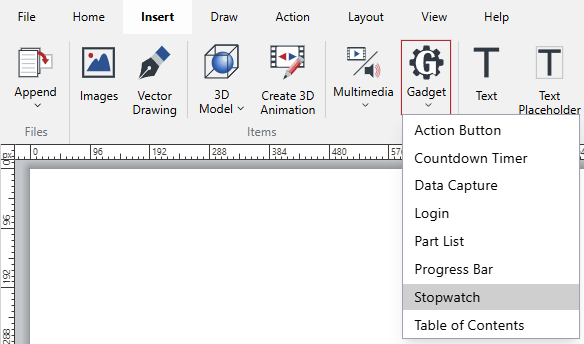
In the Items panel on the Insert ribbon tab, select the necessary gadget type from the Gadget menu.
The new gadget of the selected gadget type appears in the top-left corner of the page.
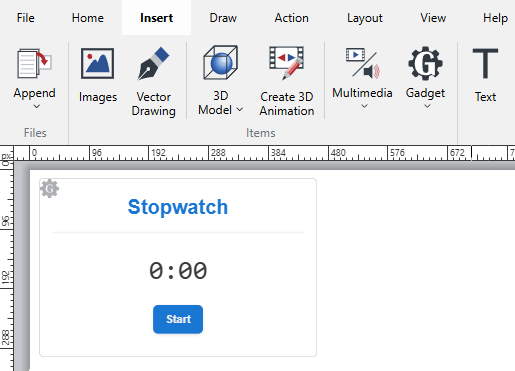
If necessary, change the 2D location of the new gadget on the page, resize it, or do both.
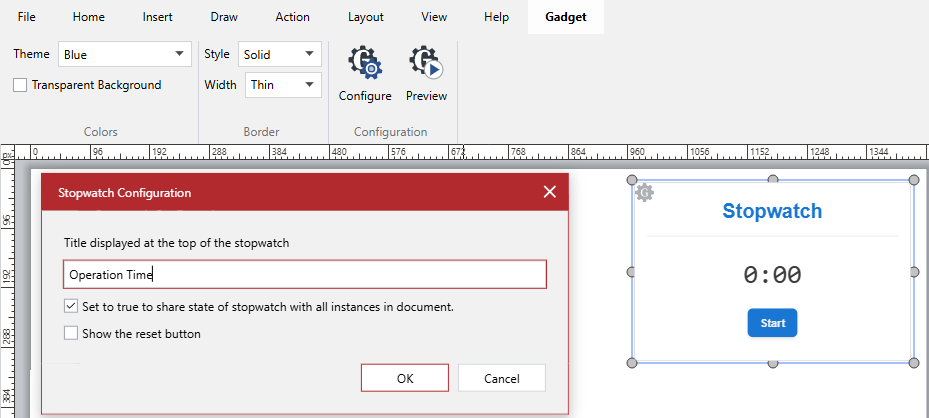
If necessary, configure the new gadget as discussed in the Configuring Gadgets section.
15 January 2026