Image Gallery Gadgets in Envision Viewer
- Image gallery gadget
An interactive 2D object with preloaded images that you can explore and view on a single page.
To interact with image gallery gadgets when viewing Envision documents, you should know the following about them:
Image gallery gadget UI and behavior
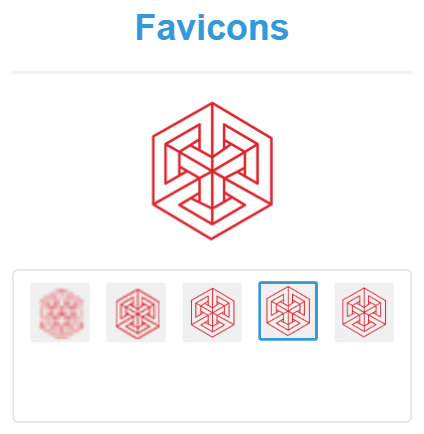
An image gallery gadget consists of the following UI elements:
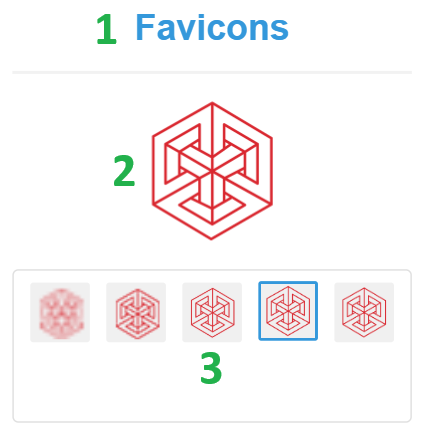
Title: a static label that displays the name of the image gallery gadget. It's optional: the image gallery gadget can be without a title.
Viewer: a dynamic image viewer that displays in larger detail the image currently selected from the gallery.
Gallery: a grid or reel that displays the thumbnails of the images included in the gadget.
A document author includes images in the image gallery gadget and adjusts its look and size. When you go to a page with the gadget in the Canvas Envision Viewer, the gadget gallery displays the thumbnails of the included images, and the gadget viewer displays the image selected by default. If the gallery cannot display all the thumbnails, it gets a scrollbar.
Exploring and viewing images included in an image gallery gadget
To explore and view images included in an image gallery gadget:
If the gallery gadget includes a scrollbar, drag it to explore the gallery.
Click a thumbnail to see its image in larger detail in the viewer.