Placing images
Importing images places them at the center of the current page.
The supported raster formats are as follows:

To Place Images
-
Navigate to the page where you want to place images.
-
Do one of the following:
-
Click Images from the Place & Draw panel in the Home tab of the Ribbon.
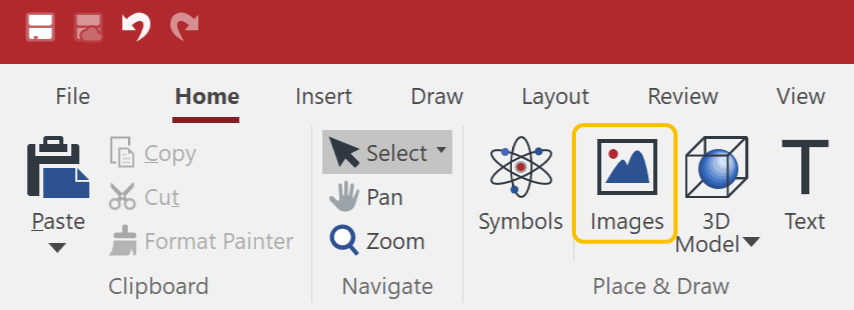
-
Click Images from the Items panel in the Draw tab of the Ribbon.

-
-
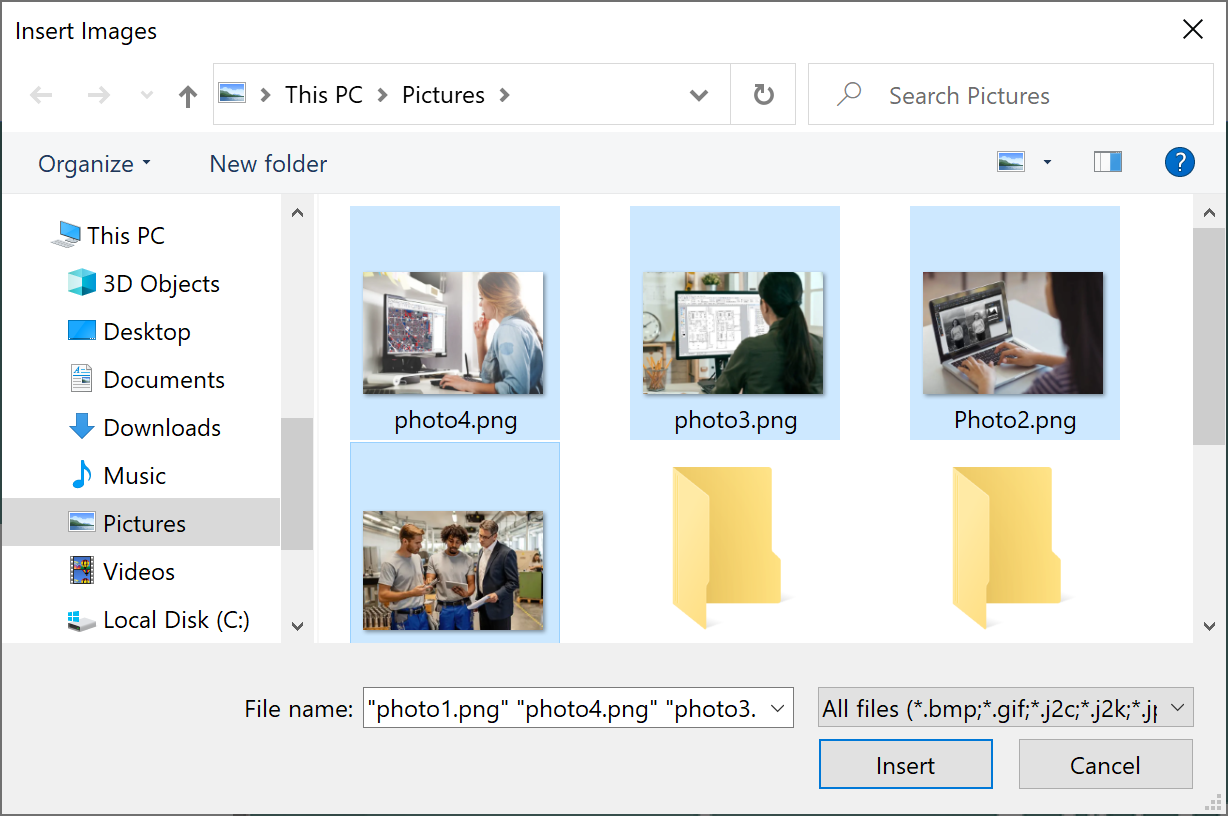
Navigate to a folder in which you want to place images in the Insert Image dialog box.
-
Select an image or images.
-
Click Insert.
|
|
The images will be placed in the order of the image files listed in the Insert Images dialog box. When the order is changed from descending to ascending, for instance, the placed order of the images in the current page will be reversed. |
